
What a Maricopa County Docket Is
A docket is a chronological list of every event in a case. Each entry shows a file date, a docket date, a short description, and the party that filed the paper. The Superior Court civil sample case CV1991-028550 shows codes like ORD for Order, AAS for Affidavit of Attempted Service, APL for Application, AFF for Affidavit, NOH for Notice of Hearing, and ME for Minute Entry. The docket is the public skeleton of the file. The actual signed papers live with the Clerk of the Superior Court and may need a copy request through clerkofcourt.maricopa.gov.
Each Maricopa County court level keeps its own docket. The Superior Court runs civil, criminal, family, probate, juvenile, mental health, and tax dockets. The 26 Justice Courts run small claims, eviction, low-dollar civil, traffic, and misdemeanor dockets. City courts like Phoenix, Mesa, Scottsdale, Chandler, Tempe, and Gilbert run their own dockets for city code and city traffic cases. These systems do not share records. The Justice Court site states the systems do not have access to each other's records.
The docket does not contain financial detail in the public civil view. It does not always link to a PDF. Public users see the list, not the paper.
How to Find Today's Maricopa County Calendar
The Superior Court posts a daily calendar through the Today's Court Calendar portal. The page lists hearings set for the current business day across Civil, Criminal, Family, Probate, Juvenile, and Tax. The Court Calendar is also linked from the side menu of each docket index. The calendar lookup at superiorcourt.maricopa.gov/calendar/today/ is the fastest way to see the hearings on a given case for that day.
The Today's Court Calendar portal lists hearings set for the day by court, judge, and case number. Pulling it up takes one click from the Superior Court home page.
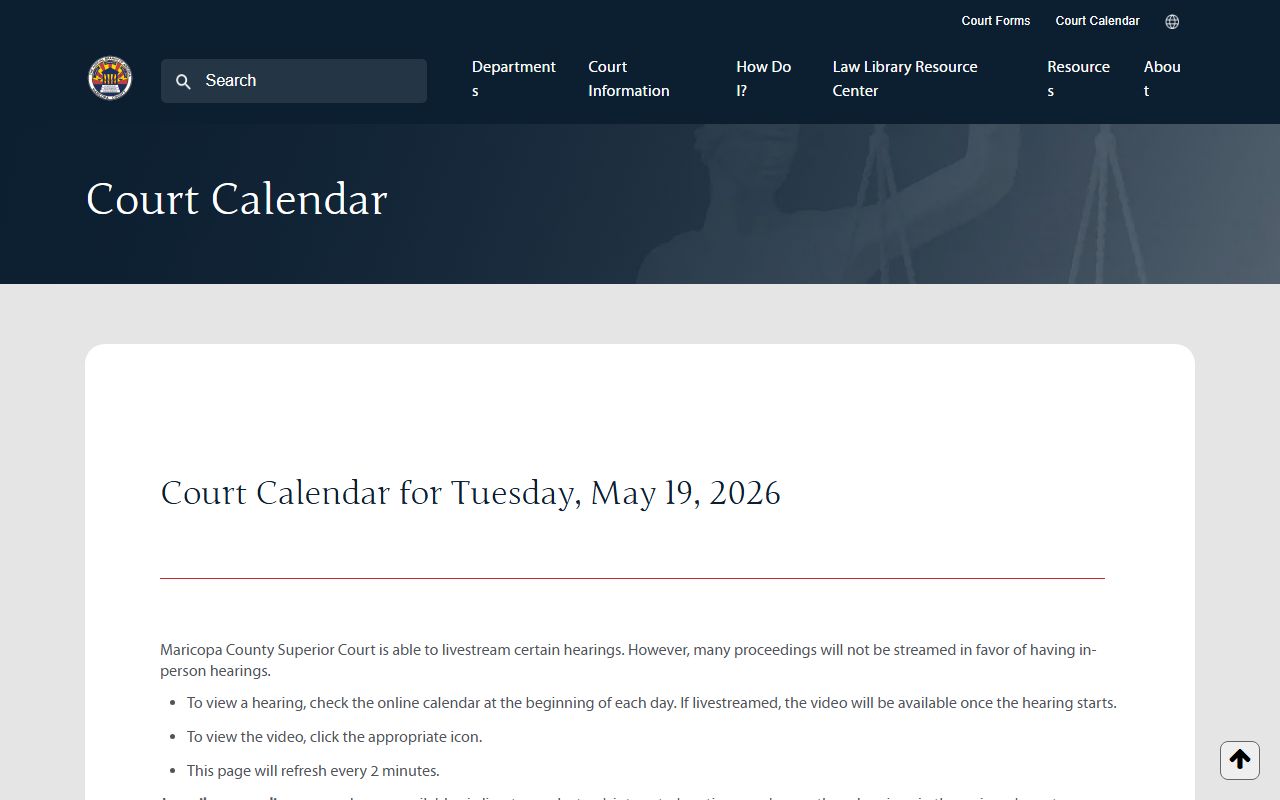
The same calendar tool also supports lookups by court division and by judge name, which helps attorneys and the press track multi-defendant matters across days.
- Open the Today's Court Calendar at superiorcourt.maricopa.gov/calendar/today/. The default view shows the current day.
- Pick the court division, the judge, or the courtroom. Each filter limits the list to that view.
- Scan the list for the case number, the party name, and the hearing type. Bench trials, oral arguments, status conferences, and sentencing all show on the same page.
- Click the case number to open the docket index for that case. From there the user can read the full event history and check minute entries.
- If the case is at a Justice Court, switch to the Justice Court case search at justicecourts.maricopa.gov since the Today's Calendar tool covers Superior Court only.
Note: The Superior Court docket auditing window runs Tuesday through Saturday from 3:00 AM to 4:00 AM and the search may be offline during that hour.
Maricopa County Civil Dockets
Civil dockets cover suits over the Justice Court limit, contract disputes, large debt actions, injury cases, business cases, and some administrative appeals. The Civil Court Case Information portal lists every filing in a civil matter. Case numbers begin with the CV prefix. A name search returns rows with the case number and the party or business name. A protected party may show the line "Information is protected and will not be displayed." The portal lookup at superiorcourt.maricopa.gov/docket/CivilCourtCases covers civil filings for the Maricopa County Superior Court.
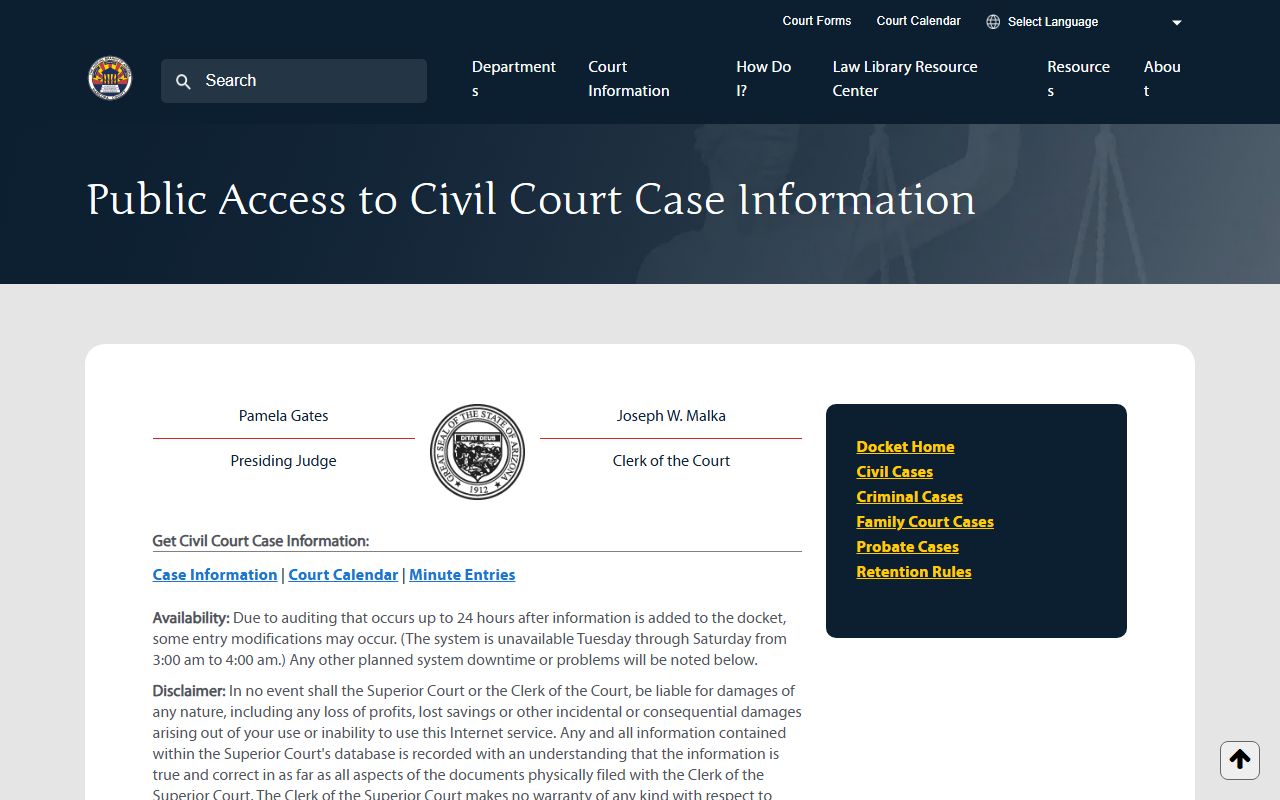
The civil case info page shows the case number, the assigned judge, the file date, the location, the case type, the parties, and the docket entries. The right side of the page lists the "JO" or judicial officer.
The civil docket page lists three search paths: name search, business name search, and case number search. The fields are simple.
| Field | Type | Format Notes |
|---|---|---|
| Last Name | Text | Search by Last Name plus First Name. |
| First Name | Text | Pairs with Last Name. |
| Business Name | Text | Separate business name search box. |
| Case Number | Text | Use the CV prefix and the exact filing number. |
The civil docket pulls in linked tools too. Each civil case page has a Court Calendar link and a Minute Entries link. The Minute Entries link routes to the Clerk Minute Entries portal, which posts civil minute entries, limited criminal entries, and tax court entries.
Maricopa County Criminal Dockets
Criminal dockets list felony filings in Superior Court. Case numbers begin with the CR prefix. The Criminal Court Case Information portal at superiorcourt.maricopa.gov/docket/CriminalCourtCases supports name search, an initials plus date of birth search, and a case number search. The case number field caps at 13 characters.
The Criminal Department FAQ tells a person with a missed hearing to call their attorney first. If the attorney is unknown, the FAQ points the public to the criminal docket search or to Criminal Department Information at 602-506-8575. A criminal docket row may show charges, judge name, file date, and docket events tied to arraignment, plea, motion, trial, and sentence.
The criminal docket reads in the same chronological order as civil. The codes change. Look for Initial Appearance entries, Arraignment entries, Plea entries, Pretrial Conference entries, Status Conference entries, and Trial entries. A minute entry coded ME records the court's note of what happened in the room. Sentencing entries can follow weeks later. For arrest-related lookup, see Maricopa County criminal records. For active warrant data tied to a missed hearing, see warrant records.
- Search by Last Name and First Name.
- Search by Last Name Initial, First Name Initial, and DOB.
- Search by Case Number with the CR prefix.
Family and Probate Dockets
Family Court dockets cover divorce, legal decision-making, parenting time, support, and protective orders that are tied to a family file. Probate dockets cover wills, estates, guardianship, conservatorship, and mental health hearings. The Family Case Search at superiorcourt.maricopa.gov/docket/FamilyCourtCases uses two search paths: name search and case number search. The Probate Case Search at superiorcourt.maricopa.gov/docket/ProbateCourtCases uses the same two paths.
Family law records can hold sensitive content. Documents about minors, adoption, sealed matters, home addresses, financial account numbers, and protective orders may be limited by Rule 123 and by state law. The docket index may show the case exists, but the document text or filings may be blocked from public view.
Probate matters are public unless sealed. Mental health files and files about juveniles or other protected persons can be confidential. The docket might list a hearing, but the underlying record may be off-limits without a court order. For deeper detail on probate filings, see Maricopa County probate records.
Maricopa County Justice Court Dockets
The 26 Justice Court precincts run separate dockets from Superior Court. The Justice Courts handle general civil suits at $10,000 or below, evictions at $10,000 or below, small claims at $3,500 or below, civil traffic, criminal traffic, misdemeanors, protective orders, and marijuana expungements. The case search at justicecourts.maricopa.gov uses three tabs: Name, Business Name, and Case Number.
The Maricopa County Justice Courts landing page links to the case search, the precinct locator, the file a new case page, and the protective order info pages.
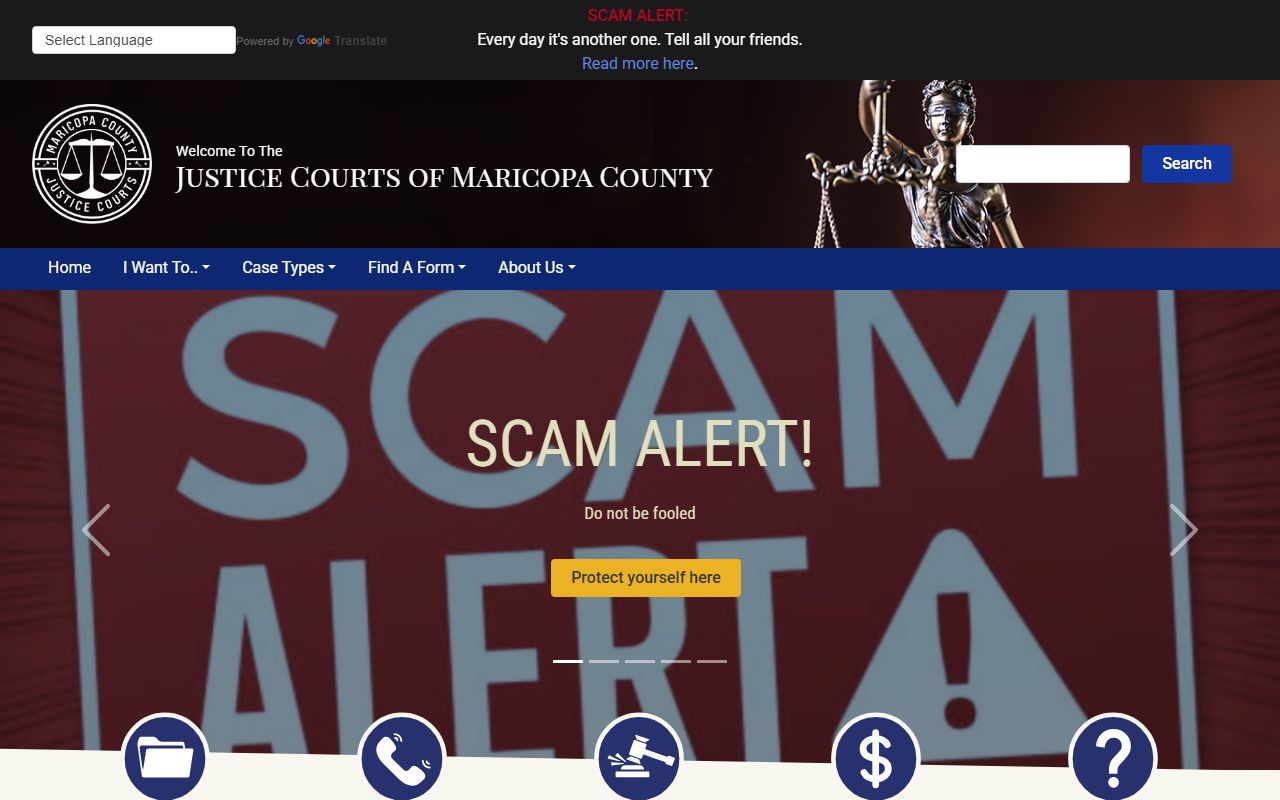
The Justice Court page warns that the website is not the official court record. To get the official record, contact the precinct that heard the case. Court clerks at the Justice Court level do not run background checks, and a request without a case number may be denied.
Note: The Justice Court list is set to grow to 27 precincts on January 1, 2027, and precinct lines will shift, so old precinct labels may not match new filings.
Sample Maricopa County Docket Entry
A docket entry is short. Each line packs a date, a code, and a brief label. The civil case CV1991-028550 shows entries like "049 ME: Judgment Signed," "334 ME: Civil Default Hearing," and "004 ME: Hearing Continued." The notes column can hold extra text such as "ORDER ON SUPPLEMENTAL PROCEEDINGS" or "GRANTING DEFAULT."
| Field | What It Shows |
|---|---|
| Filing Date | The date the paper was filed with the Clerk, in MM/DD/YYYY format. |
| Description / Code | Short code like ORD, AAS, APL, ARJ, AFF, NOH, MEJ, or LET that names the filing type. |
| Docket Date | The date the docket entry was recorded or processed by the Clerk. |
| Filing Party | The party who filed the paper, such as Plaintiff, Defendant, Petitioner, or Court. |
| Notes | Extra detail about the entry, such as "JUDGMENT RENEWAL" or "CORRECTED DEFAULT JUDGMENT." |
The docket codes can read like short hand. ORD is Order. AAS is Affidavit of Attempted Service. APL is Application. ARJ is Affidavit of Renewal of Judgment. AFF is Affidavit. NOH is Notice of Hearing. MEJ is Motion or Affidavit for Entry of Default or Judgment. LET is Letter. ME is Minute Entry. Each line is a single court act in the case.
Docket vs. Full Case Record
The docket is the index. The full case record is the stack of papers. A docket shows that an Order was signed on a date. The full case record holds the signed Order itself. The two are not the same and they live in different systems. The Superior Court docket portals show docket data. The Clerk of the Superior Court holds the case files and the copies.
| Docket | Full Case Record | |
|---|---|---|
| Format | Chronological list of short entries | Full signed papers, motions, orders, exhibits |
| Where It Lives | Superior Court docket portal or Justice Court site | Clerk of the Superior Court records system, eAccess, or ECR Online |
| Access | Public web view, free | Copy request, fee may apply, certified copy may need a clerk visit |
| Detail | Date, code, party, note line | Full document text, signatures, attached exhibits |
| Use | Track case progress, find hearing dates | Legal review, evidence, official proof |
If the user needs only the date of the next hearing or the date a motion was filed, the docket is enough. If the user needs the text of the Order or a certified copy, the Clerk holds the file. For a full case file view, see Maricopa County court records or contact the Clerk of Court.
How to Read a Maricopa County Docket
The first row of a docket usually shows the case number, the judge, and the file date. The party block follows. The docket entries run from oldest to newest, or newest to oldest, depending on the sort. Filing Date is when the paper hit the Clerk. Docket Date is when the entry was recorded. A Minute Entry is a court-written record of a hearing or order.
Common terms used in Maricopa County dockets include Pro Per, which means the party stands alone without a lawyer. Default means one party did not respond and the other party sought relief. Renewal of Judgment extends the life of a judgment. Notice of Hearing gives the date and time of an event. Order Signed means a judge signed an order. Continuance means a hearing was pushed to a later date. Disposition means the result.
A docket may show a hearing line such as "Notice of Hearing" without showing the time of day. The user can cross-check the date on the Today's Court Calendar tool to confirm the courtroom and the start time.